Chrono Warfare Tower Defense How to Play Chrono Warfare
From first launch on Roblox to clearing Prehistoric Times and stepping into Ancient Civilizations.
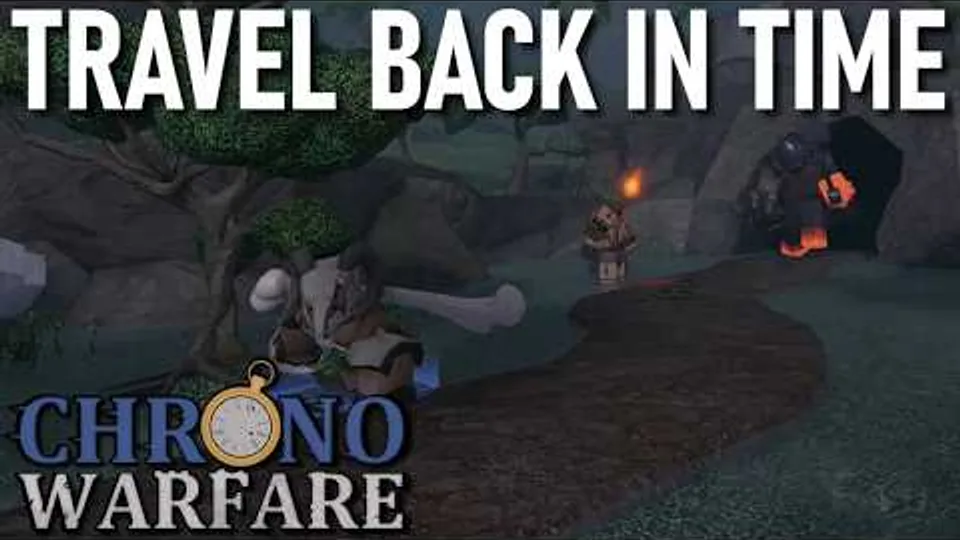
Chrono Warfare Tower Defense drops you into a time-hopping Roblox tower defense built by BoringGames Studio. It succeeds Evolution Evade as the studio’s main TD project, but EE characters and story are not canon here—expect new maps, units, and pacing tuned for Chrono’s era structure. The game is released and playable today on public Roblox servers with online co-op, even though the official listing still marks the experience as in development. That combination—live content plus rapid patches—is the lens for everything below.
Launching the correct experience
Always start from the official place: Chrono Warfare Tower Defense on Roblox. Bookmark it, favorite it, and teach friends to check the place ID 117795955884406 before joining voice chat. Clone games mimic thumbnails but will not save progression.
After load, you land in a lobby where you pick modes, eras, units, and party settings. UI layout shifts between updates; if a button moved, check Updates for screenshot notes from the community.
Core tower defense loop
Chrono Warfare follows the genre loop you know—place towers, earn currency, survive waves—with era theming layered on top:
- Select an era or map — Official names include Prehistoric Times and Ancient Civilizations. Community guides also refer to Stone Age, Iron Age, Rome/Colosseum, Ice Age, and challenge spaces like Cursed Pit or Pack Hunter.
- Choose your loadout — Units come from the roster detailed on the Players Hub. Compare community priorities on the Tier List Hub, then confirm unlock status in your profile.
- Place and upgrade towers — Positioning matters on multi-lane maps. We avoid listing exact prices or DPS; open the in-game shop each session because balance passes are frequent.
- Clear waves and bosses — Failures teach pathing. Re-run early content instead of skipping straight to Colosseum or PVP Test unless you enjoy hard resets.
- Spend rewards — Currency and unlocks feed the next era. Track goals with the Era Checklist tool.
Multiplayer on public servers
There is no separate download—co-op happens inside Roblox public instances. You may join with friends or match into strangers. Basic etiquette:
- Call out which lanes you cover before placing global buff towers.
- Avoid blocking shared choke points unless the mode allows troll placements.
- If economy is shared, agree on who upgrades carry towers first.
- Rejoin a fresh public server if sync issues desync wave counters.
Solo players can ignore squad coordination but should read All Eras Solo for economy tricks that replace teammate coverage.
Understanding eras without getting lost
Think of Prehistoric Times as the structured onboarding arc BoringGames Studio names in official materials. Ancient Civilizations broadens enemy kits and map geometry. Community nicknames map onto sub-stages:
- Stone Age — early pressure, tight economies.
- Iron Age — mid-game attrition and upgrade timing.
- Ancient Rome Colosseum — arena waves within the civilization theme.
Optional routes—Pack Hunter, Cursed Pit, PVP Test—sit adjacent to the main campaign. Tackle them after your roster handles baseline Ancient Civilizations content.
Economy and upgrades (verify live)
Every tower defense lives or dies on when you upgrade, not just what you buy. General principles that survive most patches:
- Secure at least one reliable single-target tower before spamming area damage.
- Upgrade key pieces before placing a sixth mediocre tower.
- Save burst currency for boss waves called out in patch notes or map intros.
- Re-read Updates after balance tweets from BoringGames Studio Discord (link hub on our wiki).
If a creator quote specific numbers, treat them as snapshots. Your client shows the truth.
Codes, scripts, and external tools
Promo codes are a common search topic, but no verified active codes existed as of August 2026—see the Codes Hub before wasting time on scrape sites. Redemption steps live on How to Redeem Codes when status changes.
This wiki focuses on legitimate gameplay. Avoid exploits; they risk account action and desync public servers.
First-hour checklist
Use this sequence on day one:
- Complete the tutorial or earliest Prehistoric Times mission.
- Unlock one flex tower and one lane holder from the Players Hub recommendations.
- Run Stone Age content in Stone Age guide until losses come from mechanics, not idle placement.
- Join co-op once for practice communicating upgrades.
- Favorite the official place and join the Discord via official links.
Where to go next
After fundamentals stick, branch by goal:
- Progression — Iron Age → Ancient Rome Colosseum.
- Challenge — Cursed Pit and Pack Hunter.
- Competition — PVP Test.
- Solo mastery — All Eras Solo.
The embedded gameplay overview above demonstrates lobby navigation and early combat—watch it mid-read, then jump into a public server to replicate the same pacing on your account.
Frequently Asked Questions
Quick answers for Chrono Warfare Tower Defense players.
Is Chrono Warfare Tower Defense fully released?
You can play it now on Roblox public servers. The official listing still marks the experience as in development because BoringGames Studio continues adding content and balance changes.
Do I need friends to play Chrono Warfare?
No. Online multiplayer uses public servers, so you can match with strangers or play solo using the same client.
What is the first official era I should play?
Prehistoric Times is the named starting arc from BoringGames Studio. Community guides often begin with Stone Age maps inside that progression.
How do I know which towers to buy?
Use the Tier List and Players hubs for community priorities, then confirm costs and unlocks in the live game because stats change often.
Is this the same game as Evolution Evade?
It is the official successor from the same studio, but Evolution Evade story and units are not canon in Chrono Warfare.
Where can I watch gameplay before joining?
The overview video on this page walks through early sessions. You can also browse era-specific guides linked from the Guides Hub.